
JoikuSpot WiFi Hotspot
Social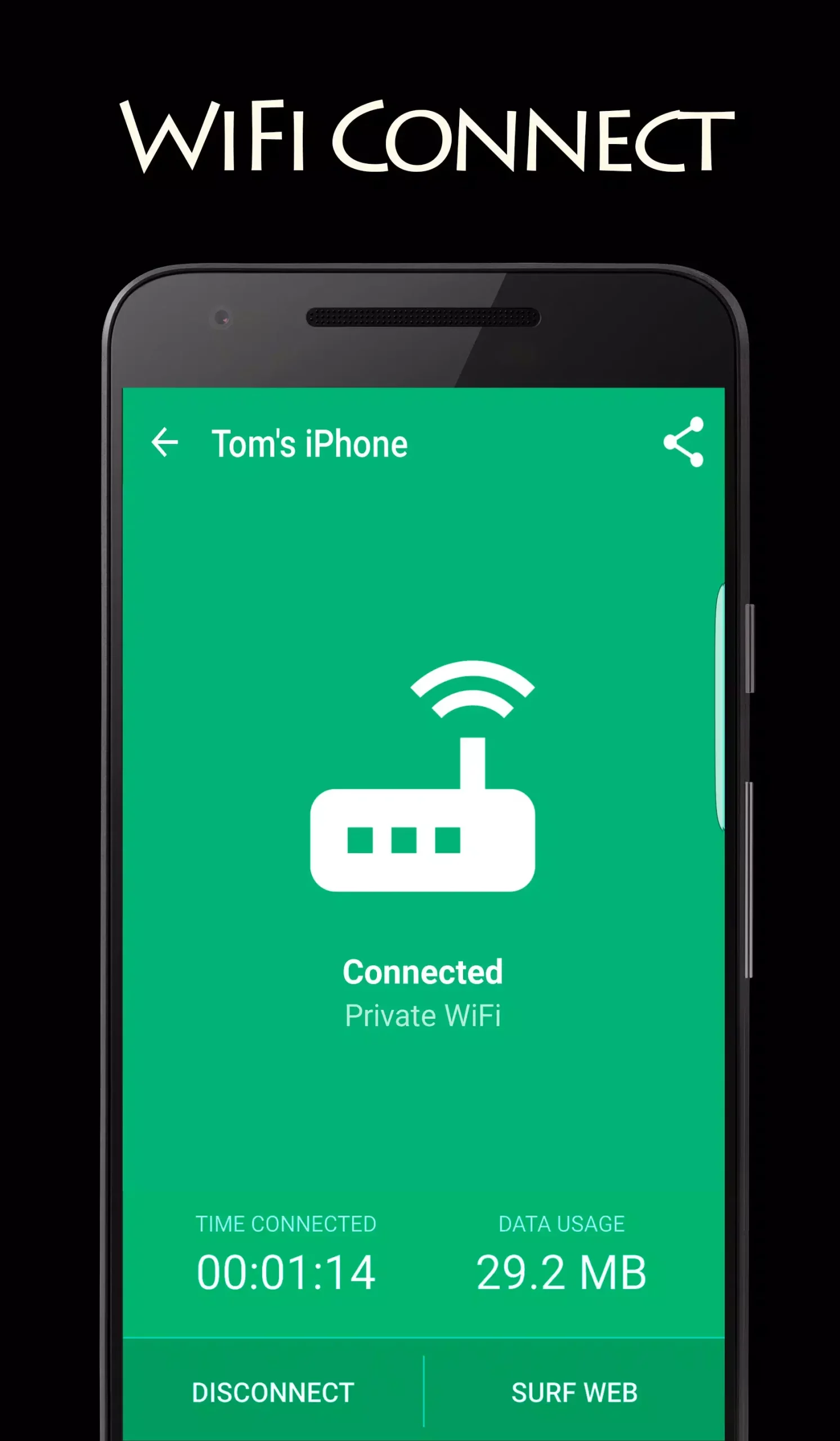
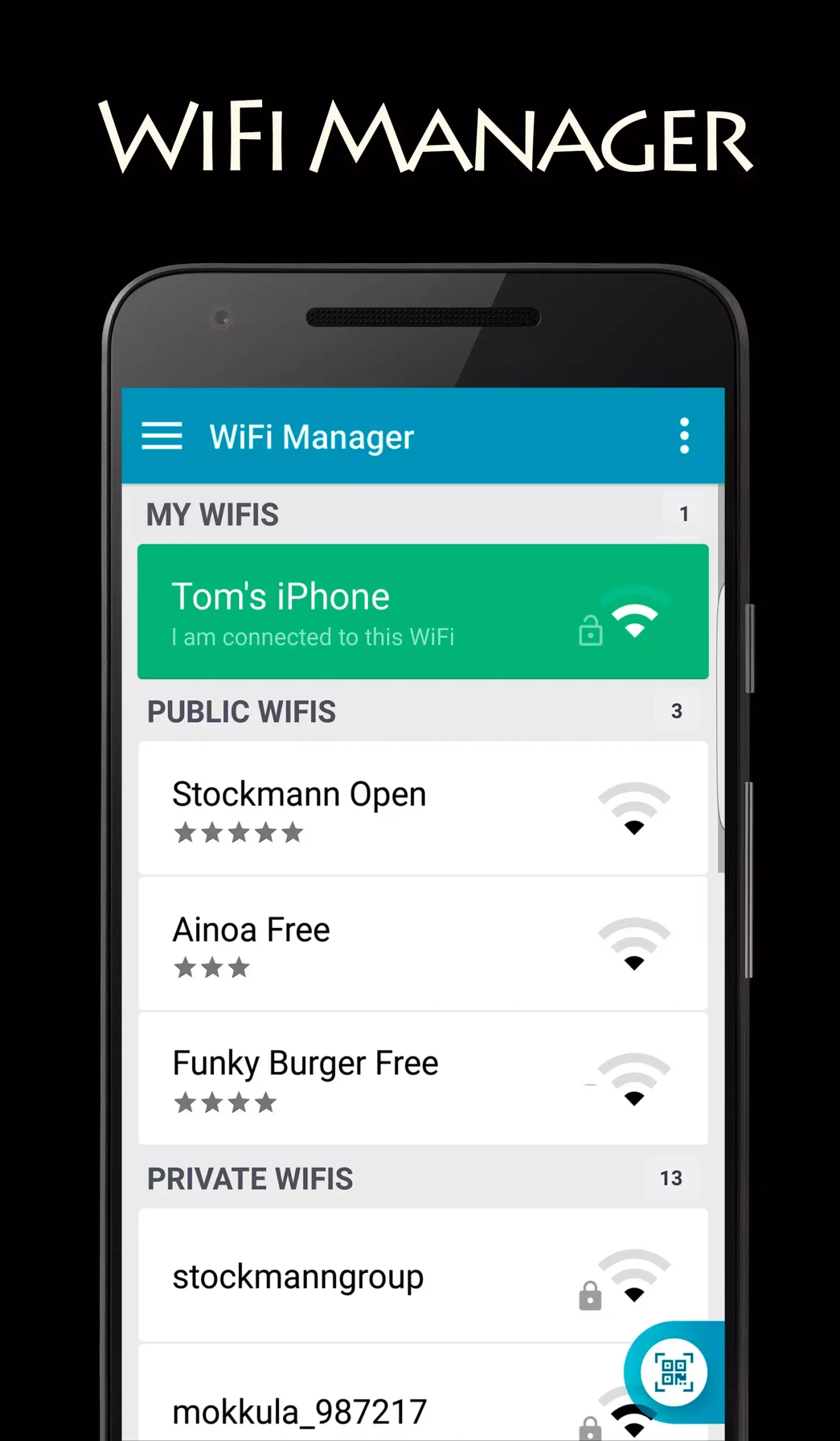
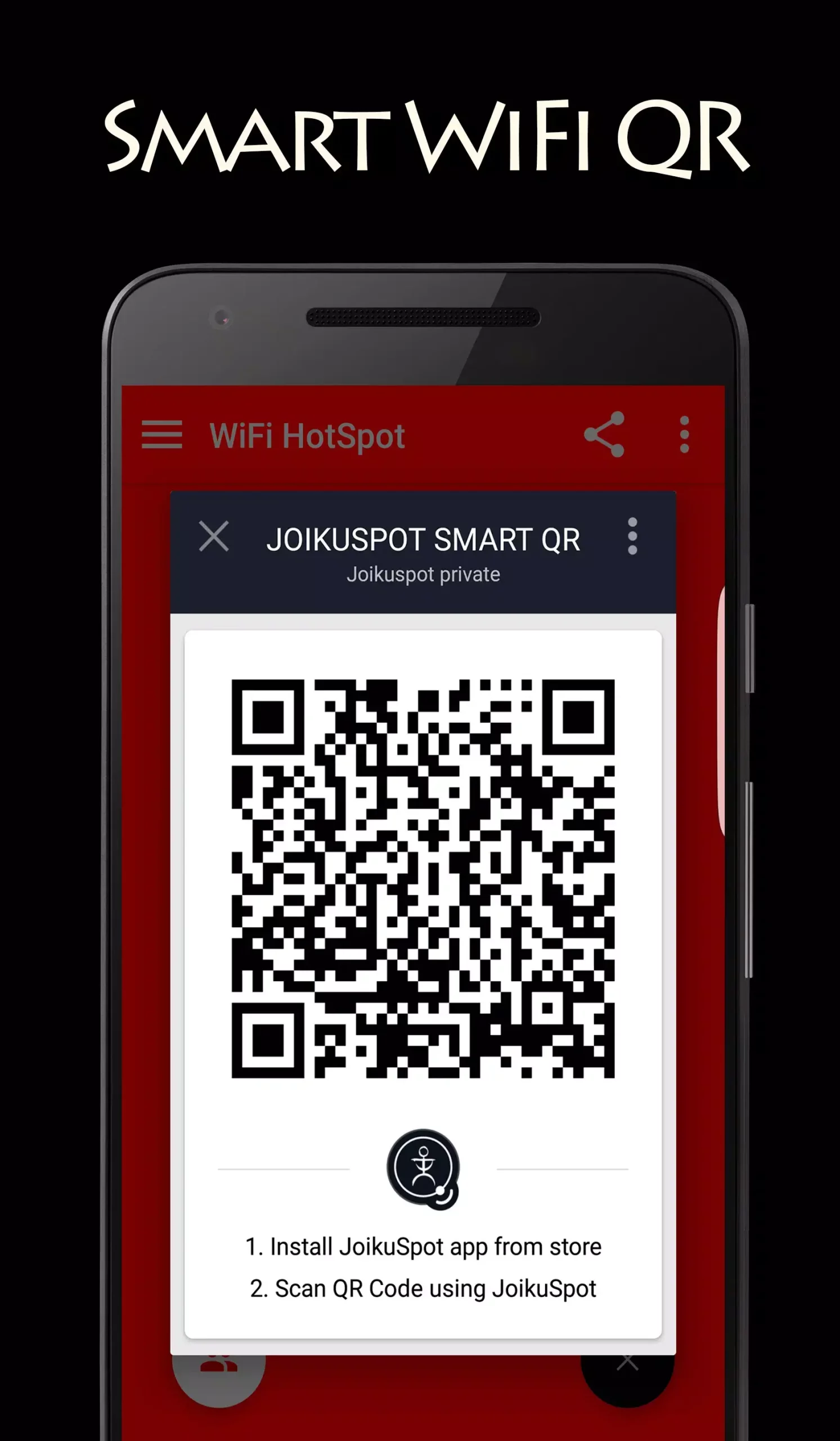
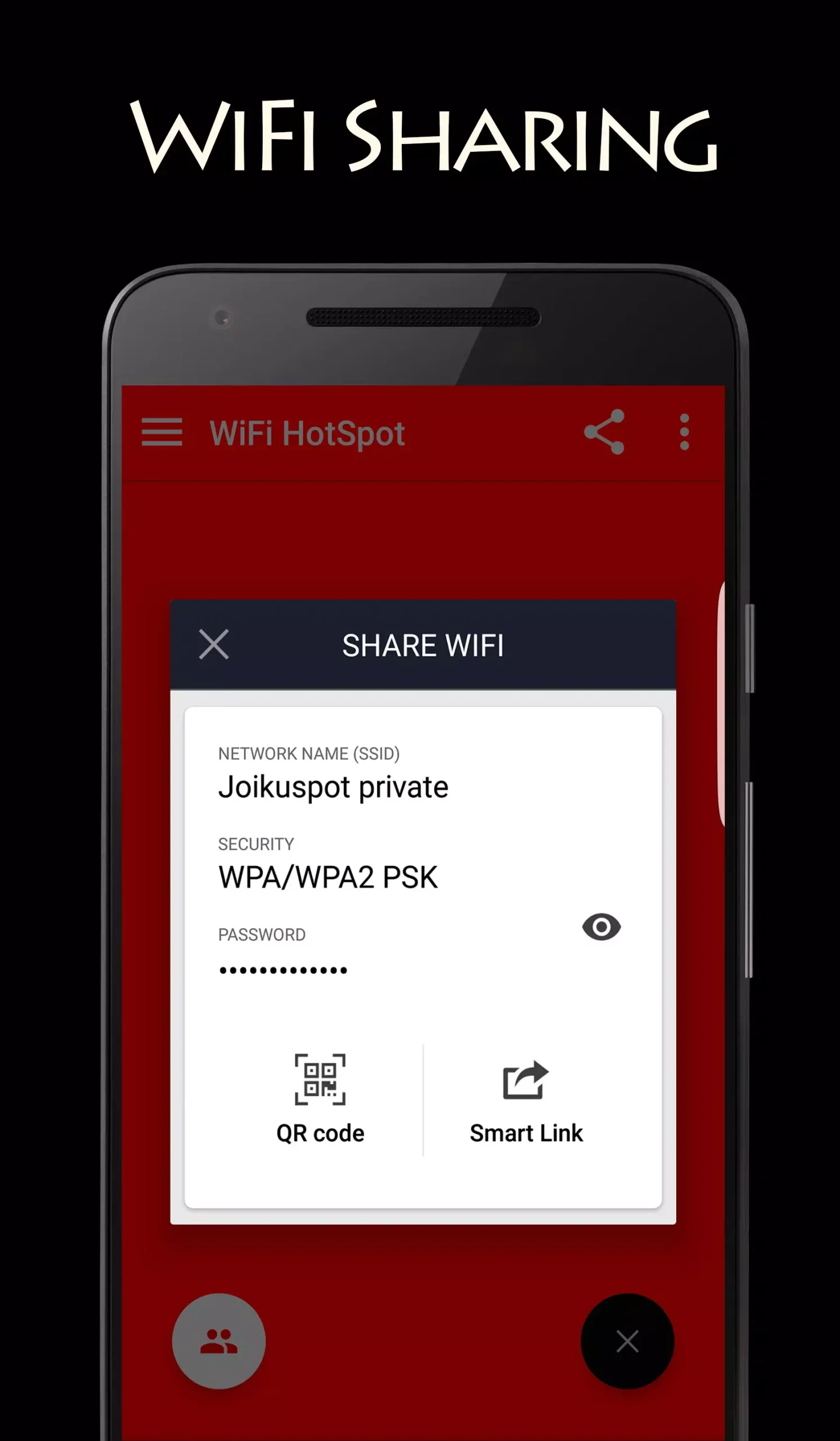
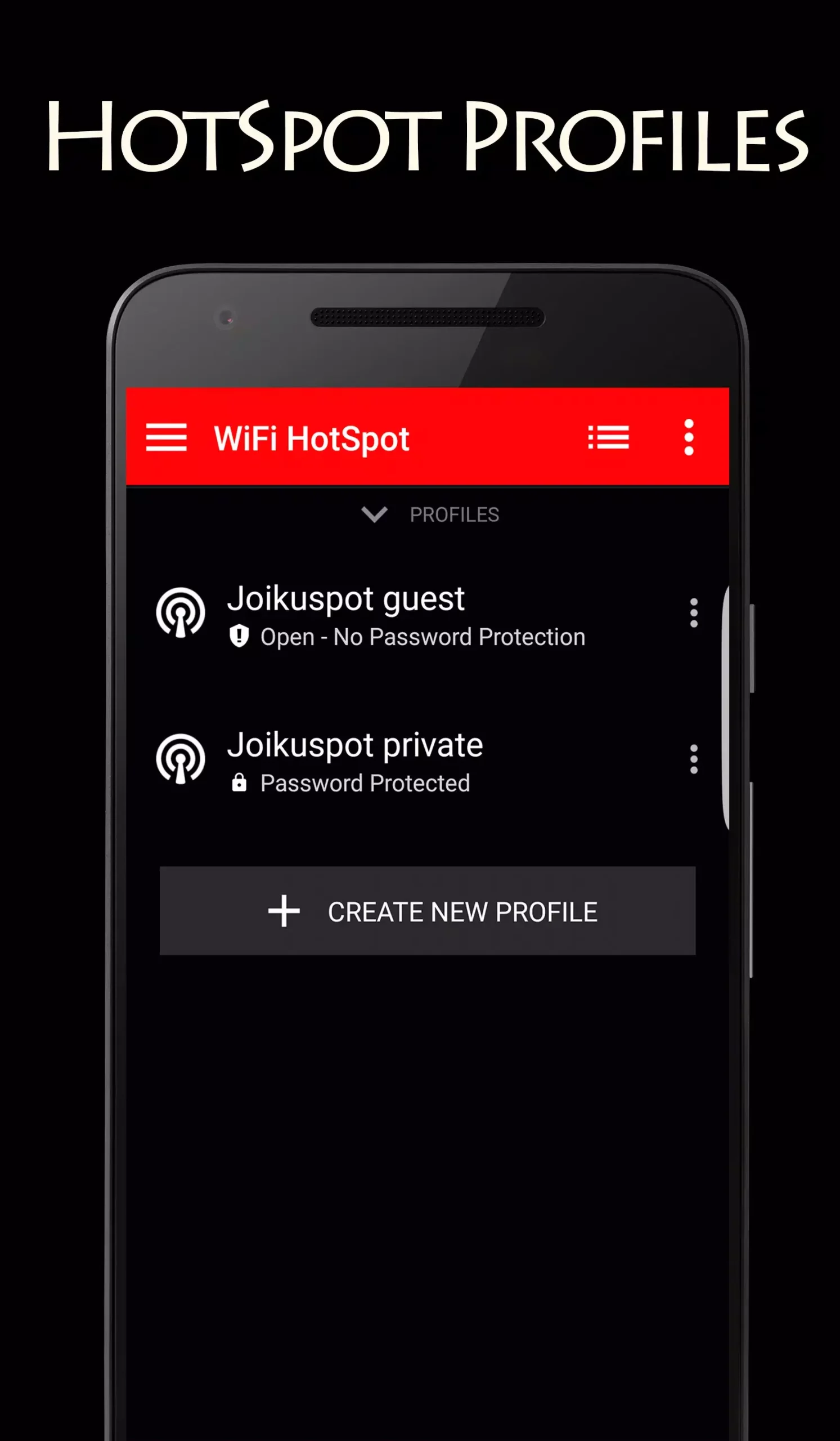
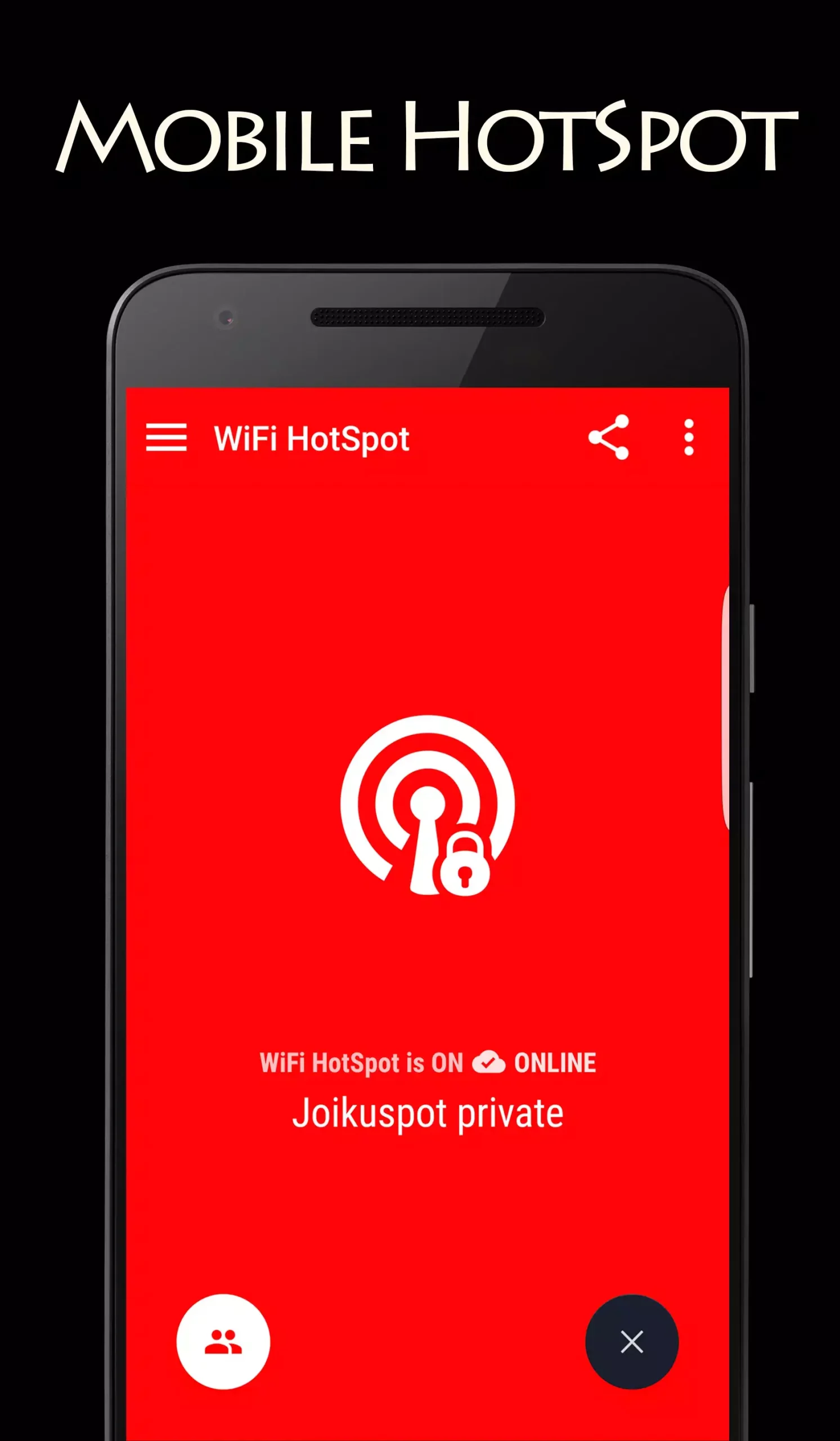

JoikuSpot WiFi Hotspot lets Android devices broadcast a Wi‑Fi network that shares the phone’s mobile data with nearby devices. The app is designed for users who need a quick, on‑the‑go hotspot without relying on carrier‑provided tethering options.
This page gives you the latest version (2.0.1), a simple installation guide, compatibility notes, and practical tips for getting the most out of the app.
Quick Information
| App/Game Name | JoikuSpot WiFi Hotspot |
| Latest Version | 2.0.1 |
| Developer | Not listed |
| Category | Apps / Social |
| App Size | 3 MB |
| Package Name | com.joikuspot |
| Last Updated | 5 August 2023 |
What Is JoikuSpot WiFi Hotspot?
JoikuSpot WiFi Hotspot is a utility that creates a Wi‑Fi access point on your Android phone, allowing other smartphones, tablets, or laptops to connect to the internet through your cellular connection. The core features include:
- One‑tap activation of a Wi‑Fi hotspot.
- Customizable SSID and password for the hotspot.
- Basic status display showing connected devices and data usage.
The app targets users who want a lightweight solution for sharing data, especially in regions where carrier tethering is limited or costly. It does not replace the built‑in Android hotspot feature but offers an alternative interface and may work on devices where the native option is disabled.
Compatibility
| Android Version | Not Verified |
| Architecture (ARM64 / 32-bit) | ✓ Verified — Supports common device architectures |
| Internet Connection | ✓ Verified — May be required for ads, updates, or login |
| Storage Needed | Not Verified |
| OBB/Data Files | Not Verified |
| Root Required | Not Verified |
How to Install
- Download the JoikuSpot WiFi Hotspot APK file to your device.
- Before installing, go to Settings → Security (or Privacy) → Install unknown apps and enable the source (e.g., your browser or file manager).
- Open the downloaded APK and tap Install. Wait for the installation to finish.
- Once installed, launch the app from the app drawer.
- Configure your hotspot name (SSID) and password, then tap Start Hotspot to begin sharing.
Troubleshooting
- App not installed: Ensure the APK is compatible with your Android version and that unknown sources are enabled.
- No hotspot appears: Verify that your device’s mobile data is active and that the carrier does not block tethering.
- Connected devices cannot access the internet: Check mobile data connectivity, data limits, and whether your carrier imposes restrictions.
- App crashes on launch: Clear app data/cache via Settings, or reinstall the latest version.
- MOD features not working: This build is an official release; no MOD features are present.
Safety & Security
JoikuSpot WiFi Hotspot is a standard Android package. As with any third‑party APK, install it only from a trusted source. Review the permissions it requests—typically Wi‑Fi control, network state, and location (required for hotspot broadcasting). Avoid entering sensitive personal data within the app, and keep an eye on future updates that may modify functionality.
How JoikuSpot WiFi Hotspot Compares
| Feature | JoikuSpot WiFi Hotspot | FoxFi | PdaNet+ | NetShare |
|---|---|---|---|---|
| Price / Free model | Free | Free with ads / paid premium | Free trial, then paid | Free with ads |
| Platform availability | Android | Android | Android, iOS (limited) | Android |
| Standout feature | Simple one‑tap hotspot activation | Works on many locked carriers | USB and Bluetooth tethering options | Wi‑Fi sharing without root on many devices |
| Best for | Users needing a lightweight, free hotspot tool | Carrier‑restricted devices | Advanced tethering (USB/Bluetooth) | Devices without native hotspot support |
Alternatives
- FoxFi: A popular hotspot app that can bypass carrier limits on many phones.
- PdaNet+: Offers Wi‑Fi, USB, and Bluetooth tethering with a focus on reliability.
- NetShare – no‑root tethering: Enables Wi‑Fi hotspot sharing without root access on a wide range of devices.
- Portable Wi‑Fi Hotspot (by Mobile Data Hub): Provides a straightforward interface and supports data usage monitoring.
Final Verdict
JoikuSpot WiFi Hotspot is a lightweight, free solution for turning an Android phone into a Wi‑Fi hotspot. It works best on devices that already support tethering and where carriers do not block the feature. Because it’s a plain APK, users should verify the download source and be aware of the permissions it requires. If you need more advanced tethering options or encounter carrier restrictions, consider one of the alternatives listed above.
Frequently Asked Questions
Yes, as long as you download the APK from a reputable source and review the permissions it requests.
Root is not required for most devices, but some carriers may block hotspot creation, which could require additional steps.
The app works on Android 5.0 (Lollipop) and newer, but exact compatibility varies by device.
Updates must be installed manually by downloading the newer APK version.
Charges depend on your mobile data plan; the app itself does not bypass carrier billing.
It requests Wi‑Fi control, network state, and location permissions, which are needed to create and manage a hotspot.
As of the latest review date (28 Oct 2026), version 2.0.1 is the most recent release.
Yes, the app works alongside the built‑in hotspot function and can be used as an alternative interface.